TanStack Start + TanStack Query: Share Data Between Loaders and Components
Add canonical URL only if the original article is published at this URL.canonical: https://mohamadgarmabi.github.io/tanstack-fetch/blog/tanstack-start-router-tanstack-fetch
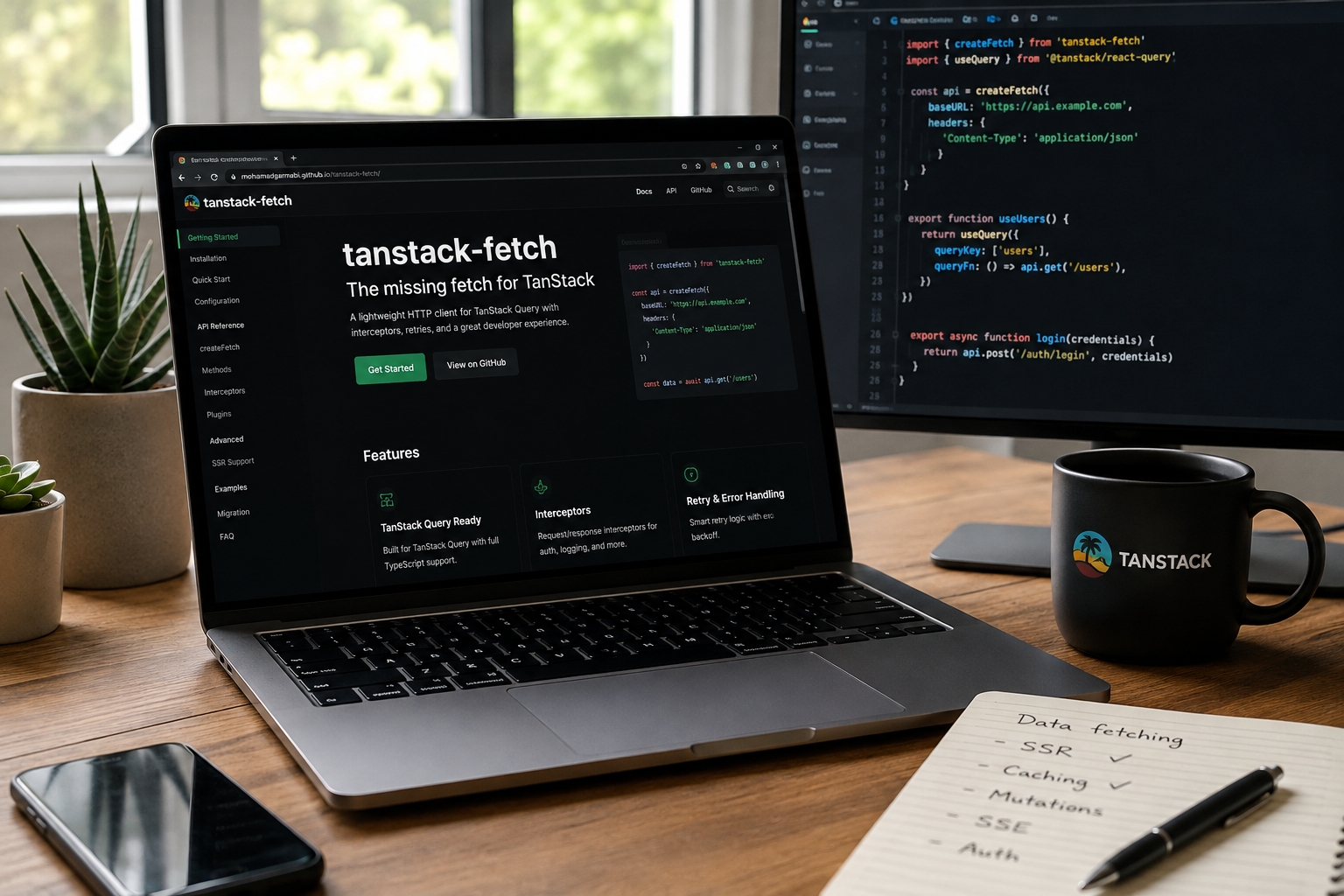
A practical guide to queryOptions, router context, SSR, authentication, SSE, and tRPC with tanstack-fetch.
TanStack Start brings TanStack Router and TanStack Query together in a way that makes server-state management feel natural.
Route loaders can fetch data before rendering, while React components can access that data through useQuery. By sharing the same query options, both can work with the same cache instead of maintaining separate data-fetching logic.
But what about the HTTP layer?
As an application grows, you may need typed responses, consistent error handling, request cancellation, authentication, SSR cookie forwarding, and live updates. Implementing these concerns separately across loaders and components can create unnecessary duplication.
In this article, we'll explore how tanstack-fetch fits into a TanStack Start application, with practical examples covering query options, router context, SSR, mutations, SSE, and tRPC.
Disclosure: tanstack-fetch is an independent open-source project, not an official TanStack package.
What we're building
We'll use three layers with clearly defined responsibilities:
TanStack Router: navigation and route-level data loading.
TanStack Query: caching, synchronization, and invalidation of server state.
tanstack-fetch: HTTP requests, typed responses, and reusable transport behavior.
The main principle is simple: don't maintain separate data-fetching strategies for loaders and components.
1. Install the dependencies
npm install tanstack-fetch @tanstack/react-query @tanstack/react-router
2. Define reusable query options
Let's start with a query definition that can be reused by both the route loader and the React component.
// queries/users.ts
import { queryOptions } from '@tanstack/react-query'
import { api } from '~/lib/api'

export const usersQueryOptions = queryOptions({
  queryKey: ['users'],
  queryFn: ({ signal }) =>
    api.get<User[]>('/users', { signal }),
})
There are two important details here.
First, queryOptions keeps the query key and query function together, making them reusable across the application.
Second, the query function receives an AbortSignal. Passing it to the HTTP client allows TanStack Query's cancellation signal to reach the underlying request.
This is a small but important detail when implementing data fetching manually.
3. Add QueryClient to router context
The router needs access to the same QueryClient that the React application uses.
Here's a simplified wiring example:
// router.tsx
import { createRouter } from '@tanstack/react-router'
import {
  QueryClient,
  QueryClientProvider,
} from '@tanstack/react-query'

export const queryClient = new QueryClient()

export const router = createRouter({
  routeTree,
  context: {
    queryClient,
  },
  Wrap: ({ children }) => (
    <QueryClientProvider client={queryClient}>
      {children}
    </QueryClientProvider>
  ),
})
This illustrates the relationship between router context and the Query provider. A production TanStack Start application needs the appropriate framework-specific setup, including request-scoped server state where necessary. Avoid sharing a mutable server-side QueryClient across users.
4. Use ensureQueryData in route loaders
Now we can populate the Query cache before rendering the route.
// routes/users.tsx
import { useQuery } from '@tanstack/react-query'
import { createFileRoute } from '@tanstack/react-router'
import { usersQueryOptions } from '~/queries/users'

export const Route = createFileRoute('/users')({
  loader: ({ context }) =>
    context.queryClient.ensureQueryData(
      usersQueryOptions,
    ),

  component: UsersPage,
})

function UsersPage() {
  const { data } = useQuery(usersQueryOptions)

  return (
    <ul>
      {data?.map((user) => (
        <li key={user.id}>{user.name}</li>
      ))}
    </ul>
  )
}
The loader and component now share the same query definition.
ensureQueryData returns cached data when available and fetches when the query has no cached result. If you need stale data to be revalidated before navigation continues, consider the available revalidation options or an explicit prefetch strategy.
This separation keeps each layer focused:
The router coordinates route loading.
Query owns the cache.
The component subscribes to the query.
5. Configure tanstack-fetch for SSR
Server-side rendering introduces additional concerns, particularly when requests depend on incoming headers or cookies.
A simplified client configuration might look like this:
// lib/api.ts
import { createFetch } from 'tanstack-fetch'

export const api = createFetch({
  baseUrl:
    typeof window === 'undefined'
      ? `${process.env.SSR_ORIGIN ?? ''}/api`
      : '/api',

  source:
    typeof window === 'undefined'
      ? 'ssr'
      : 'browser',

  plugins:
    typeof window === 'undefined'
      ? ['ssr-forward']
      : [],
})
Treat this as an illustrative configuration and verify the options against your installed tanstack-fetch version and TanStack Start setup.
In production, make sure server-side requests receive the correct request context and forward only the headers required by your application.
For nested routes, you can apply the same pattern with parameterized query options:
userQueryOptions(params.userId)
Use those options in both the loader and the component. For dependent requests, consider route-level prefetching and query dependencies to avoid unnecessary waterfalls.
6. Keep mutations connected to the same cache
Mutations should invalidate the same Query cache that loaders and components use.
const mutation = useMutation({
  mutationFn: (input: CreateUserInput) =>
    api.post<User>('/users', {
      body: input,
    }),

  onSuccess: () =>
    queryClient.invalidateQueries({
      queryKey: ['users'],
    }),
})
After a successful mutation, Query can refresh affected data according to its invalidation and observer behavior.
There's no need to introduce a separate cache invalidation mechanism just because the initial request happened in a route loader.
7. Centralize authentication and token refresh
Authentication is another area where HTTP logic often becomes duplicated.
Instead of implementing token refresh independently in every query function, you can centralize the behavior in your HTTP client.
tanstack-fetch provides a refresh-token interceptor:
import { createFetch } from 'tanstack-fetch'
import {
  createRefreshTokenInterceptor,
} from 'tanstack-fetch/plugins'

const api = createFetch({
  baseUrl: '/api',
  getToken: () =>
    localStorage.getItem('access_token'),
})

api.use(
  'refresh-token',
  createRefreshTokenInterceptor({
    refresh: async () => {
      // Implement your application's refresh flow
      // using the documented interceptor contract.
    },
  }),
)
The actual refresh implementation depends on your authentication architecture and the package version you're using.
For production systems, consider concurrent requests, refresh-token rotation, retry limits, and what happens when refresh fails. If your security model uses HttpOnly cookies, don't assume that storing access tokens in localStorage is appropriate.
The architectural advantage is that query functions can focus on data retrieval while the HTTP layer handles shared transport concerns.
8. Handle live updates with SSE
Some screens need more than request-and-response fetching. Dashboards, notifications, and live status pages may require server-pushed updates.
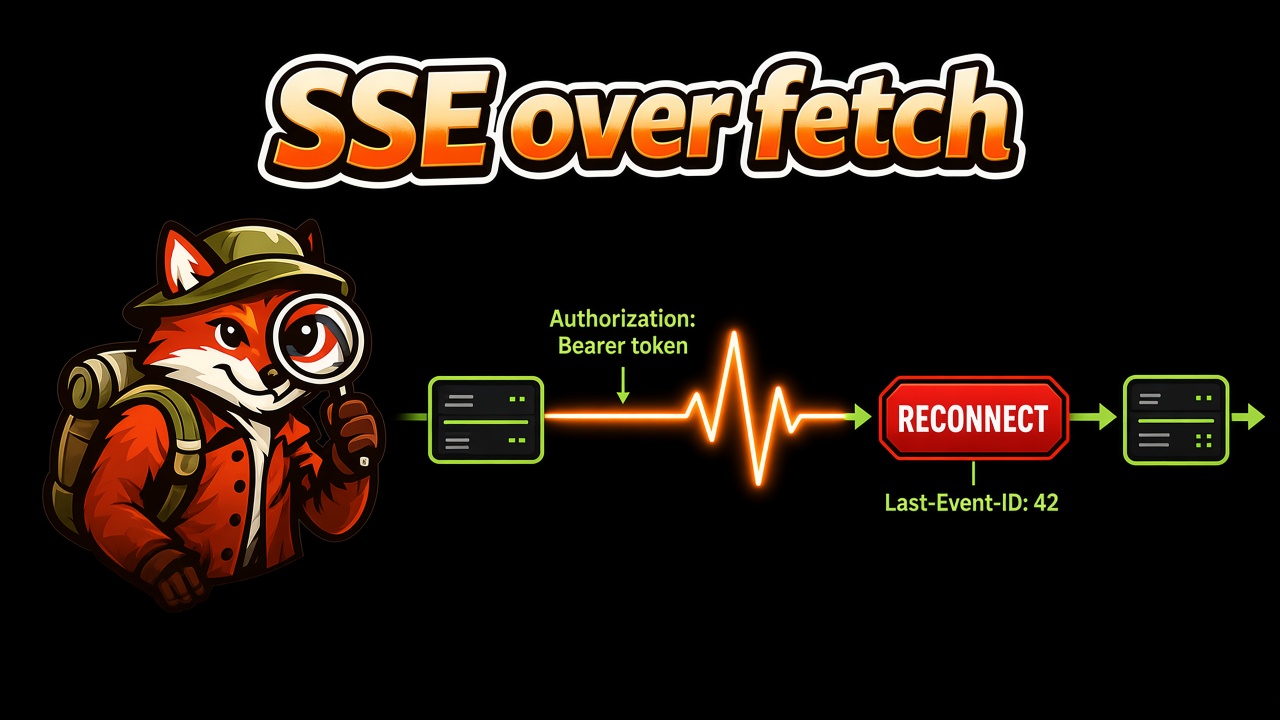
Browser EventSource doesn't support arbitrary Authorization headers. For authenticated streams, a fetch-based SSE implementation can be useful.
tanstack-fetch provides an SSE entry point:
import { useSse } from 'tanstack-fetch/sse'
Use the documented useSse API in a client-side route component while keeping initial data loading in a regular Query-based loader.
A practical architecture looks like this:
Fetch initial state through REST or tRPC.
Subscribe to server-sent events in the browser.
Update the Query cache or invalidate affected queries when events arrive.
Close the stream when the component no longer needs it.
One important distinction: reconnecting does not guarantee that no events were missed. If your application requires reliable recovery, design the protocol around event IDs, replay, and resumption.
For more background, see the tanstack-fetch documentation.
9. What about tRPC?
If your application uses tRPC, you don't necessarily need to build an unrelated transport strategy for every feature.
TanStack Start supports integration patterns involving createTRPCOptionsProxy and router context.
See the tanstack-fetch TanStack Start tRPC guide for the relevant integration details.
The same architectural principle applies: keep transport concerns separate from route orchestration and query caching.
10. Raw fetch vs. tanstack-fetch
Raw fetch is a perfectly reasonable choice for small applications. The trade-offs become more relevant as transport behavior grows.
| Concern | Raw fetch | tanstack-fetch |
|---|---|---|
| HTTP requests | Built in | Built-in |
| Typed application responses | Define your own conventions | Typed client API |
| HTTP error handling | Implement your own checks | FetchError-based handling |
| Query cancellation | Pass the signal manually | Integrate through the query function |
| Token refresh | Implement your own flow | Refresh interceptor available |
| SSE | Build your own integration | Dedicated SSE entry point |
| Router and Query integration | Compose the pieces yourself | Reuse the same client in query options |
These are architectural comparisons, not benchmark results. Your actual implementation complexity depends on the features you need and the conventions already established in your codebase.
11. Migrate incrementally
You don't need to rewrite every request to adopt this pattern.
Start with one route:
Move its HTTP request into reusable
queryOptions.Replace the loader request with
ensureQueryData.Read the same query through
useQuery.Pass Query's
signalto the HTTP request.Move repeated HTTP behavior into your client configuration.
You can also explore the migration CLI:
npx tanstack-fetch migrate \
  --from fetch \
  --framework react \
  --write

npx tanstack-fetch doctor --dir ./src
Review generated changes before committing them, especially around authentication, error handling, and SSR behavior.
12. Suggested project structure
A simple structure keeps the boundaries clear:
src/
  lib/
    api.ts
  queries/
    users.ts
  router.tsx
  routes/
    users.tsx
    users.$id.tsx
As the application grows, you can introduce separate modules for authentication, mutations, and live subscriptions. There's no need to add abstractions before the codebase needs them.
Final thoughts
TanStack Start, TanStack Router, and TanStack Query already provide a strong foundation for server-rendered React applications.
The pattern I find most useful is to let each layer do one job:
Router coordinates when route data is needed.
Query manages cached server state.
The HTTP client centralizes transport behavior.
tanstack-fetch is an independent open-source project built around this approach. It's not required to use TanStack Start, but it is an option worth evaluating when typed HTTP requests, authentication, error handling, or SSE become recurring concerns.
Explore the project: tanstack-fetch documentation.
If you're using TanStack Start in production, I'd be interested to hear how you handle request-scoped Query clients, SSR authentication, and cache reuse between loaders and components.